Get more from your Uphance subscription


Hey there Uphancers, you’ve probably noticed that we have been busy adding more features and functionality to Uphance. Here is a quick update on some things you can use today to simplify your workflow and reduce your daily workload.
Our mission is to help you streamline your operations and scale your business.
Product images
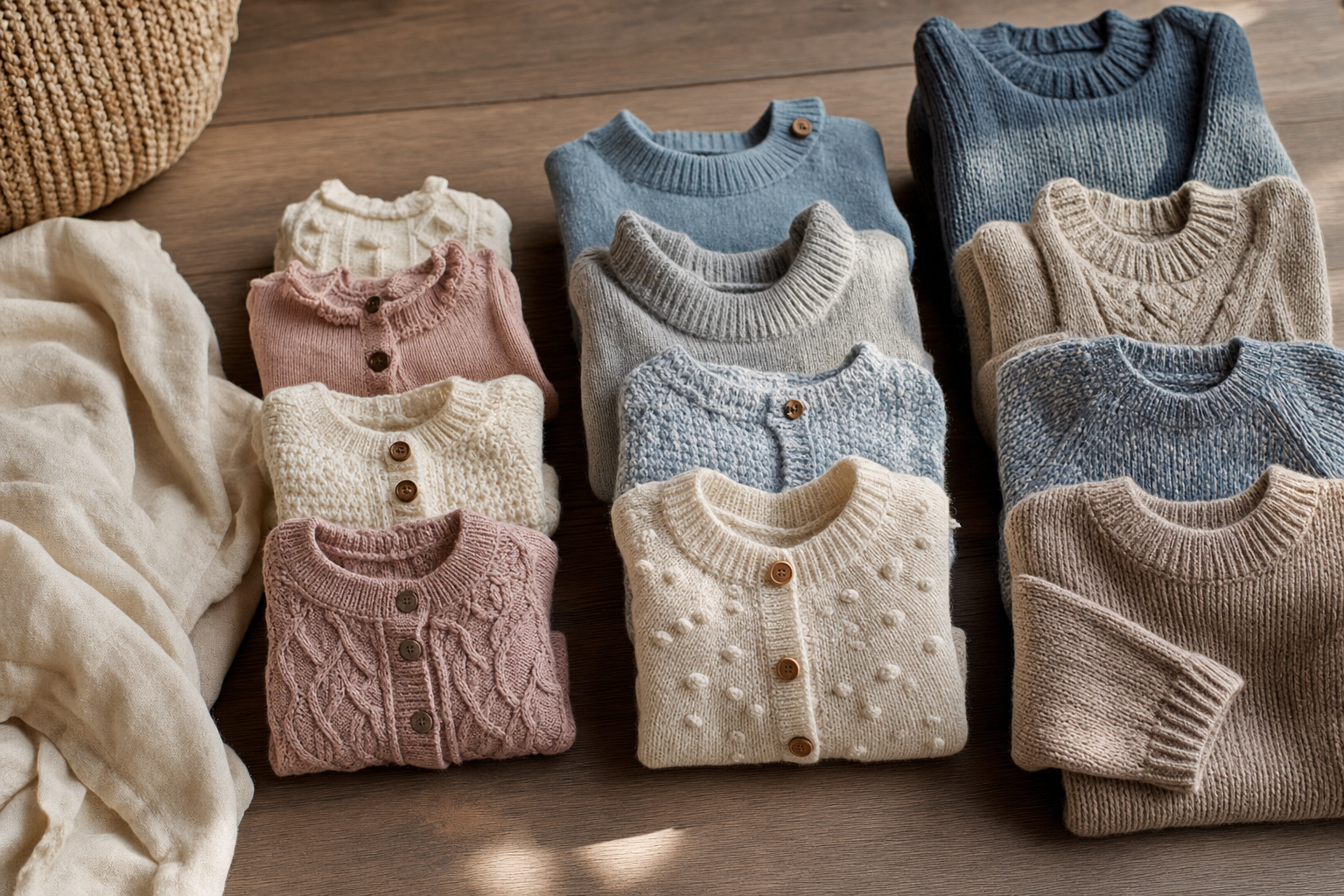
Uphance has quietly become the central hub of your activity for your products, housing rich content that can be published to the showroom, which is your B2B ecommerce platform, or to your retail ecommerce store on Shopify. Manage all your content at one place and distribute it quickly and efficiently to your other platforms without duplicating effort. In addition to detailed formatted descriptions, you can now host and publish multiple images per product variation.
We have all the details on product images, drag and drop uploads, setting cover image, etc. at Uphance help for Product Images.
Did you know you can save and reuse standard colors? Want to know the difference between product images and swatch images? Check out the help document on Swatch images, standard colors.
Customizing your product display order
Ask, and you shall receive! Many of you wanted better control over merchandising your products by displaying them your own custom way. Want them listed in order of product identifier, product name or by category or in a completely custom arrangement? Find out all about it at Product Display Order. This configuration of display order will be applied on your showroom, on the tablet sales app and on all your documents.
Keep your customers informed and engaged with automatic email notifications
You can now let Uphance automatically send email messages to your customers. They are still personalized and similar to emails you send them manually, just without the effort of sending.
Received an order online? Send an automatic acknowledgment.
Confirmed an order? Send an automatic confirmation email with the document attached.
Marked a pick ticket shipped? Send an automated notification.
Customer late on a payment? Send an automatic “Invoice Due” reminder email.
Do you think that can reduce your workload? Find out how to turn them ON at Automatic Emails.
Are you getting too many alerts from Uphance?
Not all users want to be alerted on all activity. Now you can choose which alerts you wish to receive or not receive from Uphance. Go to your profile à your initials on the top-right and then your name. Scroll down to see Notification settings. Choose if you want Dashboard notifications (the bell next to your profile), Email notifications, both or neither for each type of alert.
If you are an admin/owner, you can configure these options for all your users at Settings > Users and permissions. Check out the help document at Notifications.
Tablet sales app updated
The Uphance mobile sales app runs on iPads, iPhones, Android tablets and Android phones and is an excellent way for your salespeople to capture sales when they are at tradeshows or at customer locations. Go to Mobile Sales app for more details.
The app got it first major update and here are some of the highlights:
- Enlarge product image to view larger
- Add order quantities at the time of adding individual products to the sale
- Search for products, to avoid scrolling through all products
- Ability to add contact and address information while adding new customers
- Same product display order as on Uphance
That’s all folks
That’s it for this edition of Uphance news. Stay tuned for more exciting features coming next week! We always welcome and appreciate your feedback. Let us know what you think in the comments section below.
Until next time, happy Uphancing!
Frequently asked questions
Where this fits in the Uphance platform
Venkat is the Founder and CEO of Uphance and the author of the 6 Breakpoints of Apparel Operations framework. He writes about operational clarity for apparel brands as complexity grows across channels, warehouses, partners, and teams. His work focuses on why disconnected operations, not growth itself, create the chaos most mid-market brands feel between $5M and $100M in revenue, and on the operating-model patterns that decide whether scaling a brand strengthens execution or fractures it. He argues that the status quo is the real competitor in apparel software, and that the right move is fewer systems with deeper connection, not more dashboards.
Ruchit writes about product strategy for apparel operations, covering how mid-market fashion brands use connected workflows to manage product development, inventory, orders, warehouse execution, and reporting. As Head of Product at Uphance, he shapes the roadmap that ties PLM, PIM, BOM management, allocation, fulfillment, and warehouse operations into one system. His articles dig into apparel-specific operational mechanics: tech packs, spec sheets, putaway, pick-pack, landed cost, and the data plumbing that makes inventory truth possible across multiple channels and locations. He focuses on the workflow-level questions that separate generic ERPs from systems built for how apparel brands actually run.